



System info
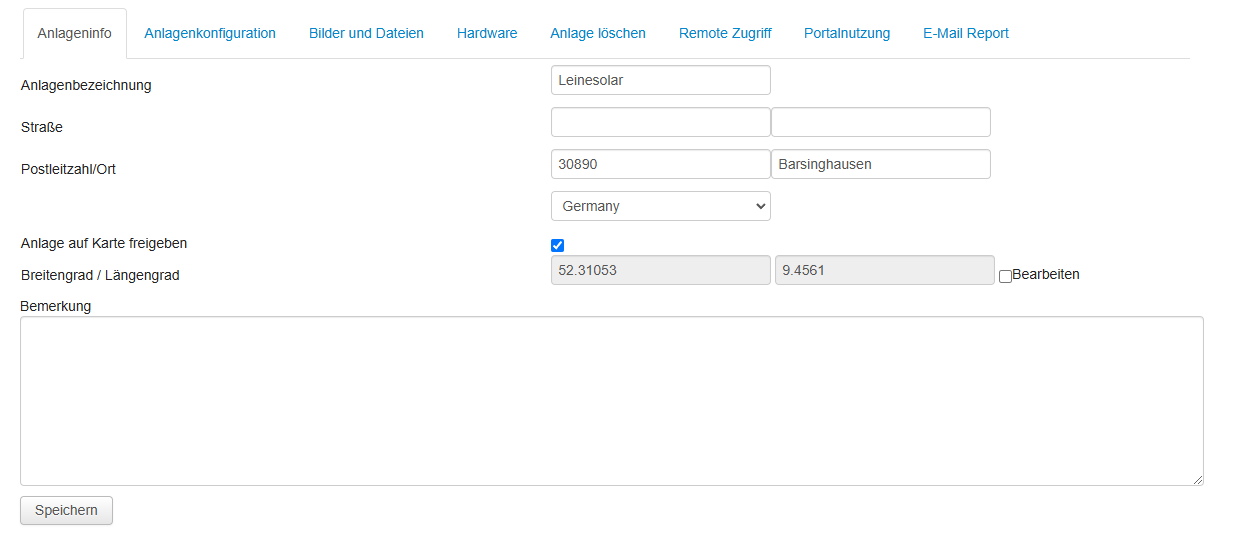
System name
The name of the systemAddress
Entering the address is optional. The postcode is required if the system is to be compared with other systems in the region on the overview page.Show system on map
If active, your system is shown on the map on the home page.Latitude / longitude
The coordinates are filled in automatically based on the address. For data protection reasons, the exact address is not shown on the map. If necessary, you can also change the coordinates manually.Remark
Here you can store information about the system.System configuration
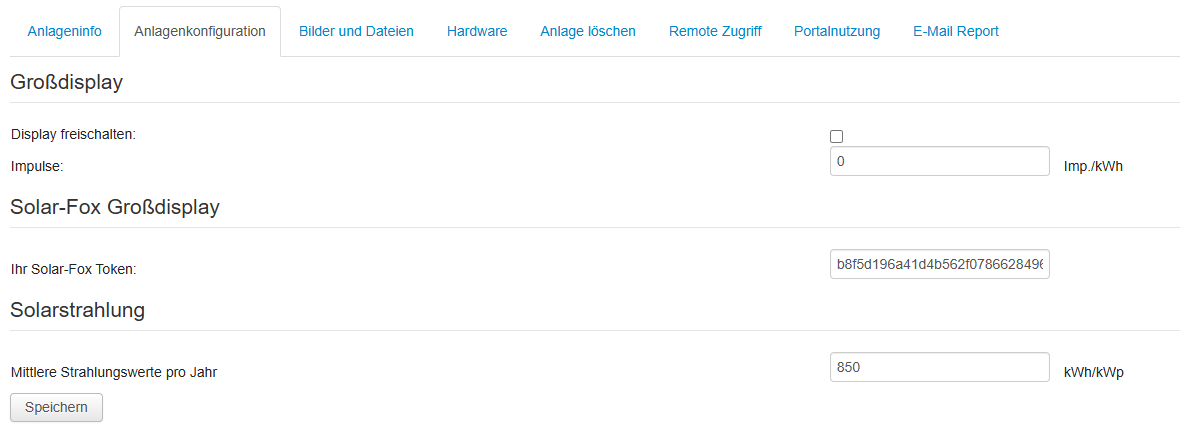
Large display
only for PV-StationSolar-Fox large display
To connect to a Solar-Fox large display, you need the token. You must enter this token in the Solar-Fox back end under the data source.Solar irradiation
Here you can change the mean solar irradiation. It is used for the target/actual comparison.Images and files
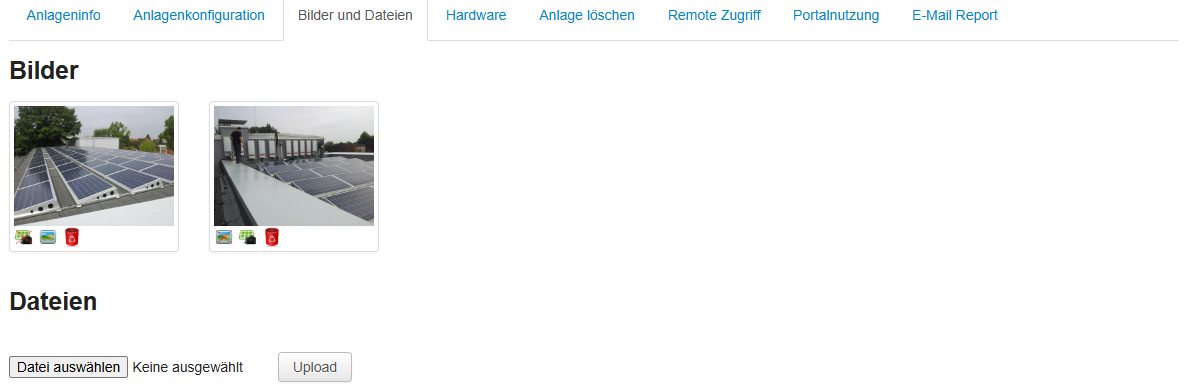
Here you can upload images (JPG) and files (PDF).
Images
One image can be selected as the system image and one image as the background on the overview page.Files
Here you can upload wiring diagrams or similar for documentation purposes.Hardware
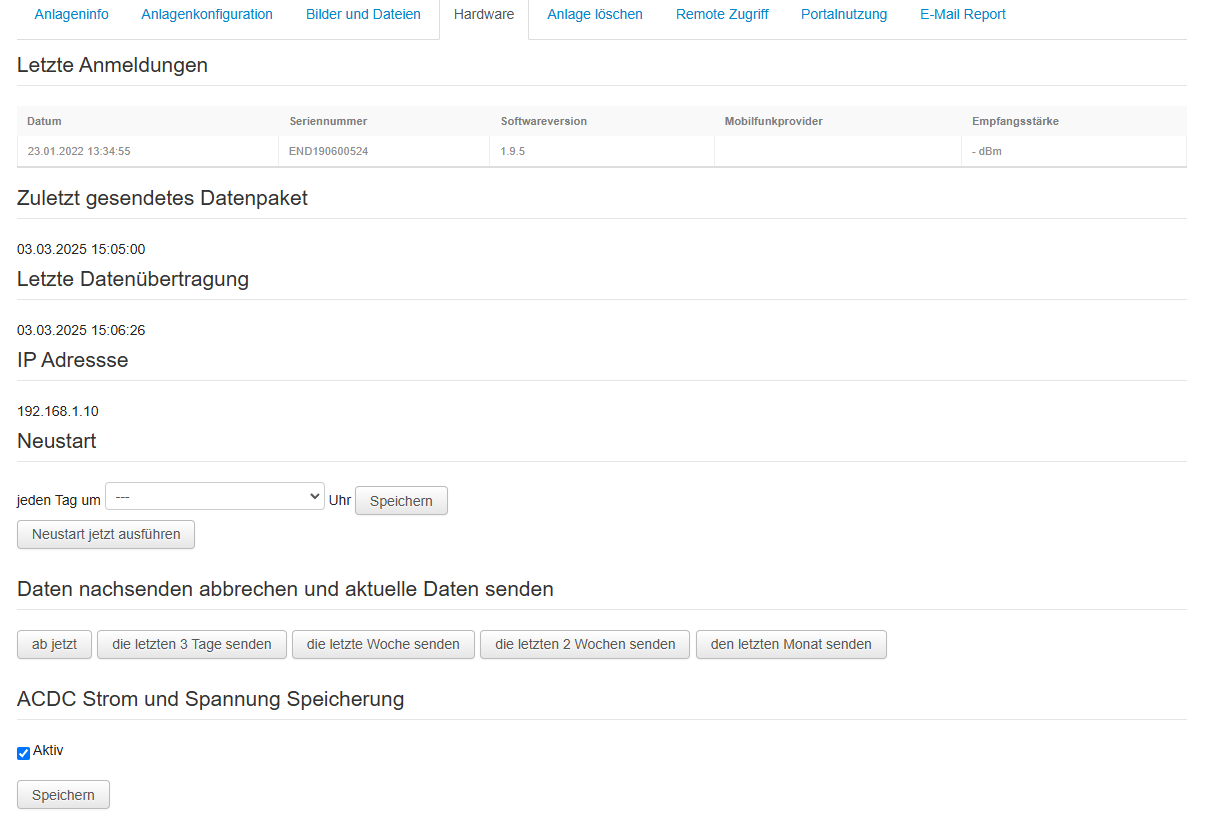
Last login
This shows the last login. This is particularly important for data loggers with an integrated modem, as the signal strength is also displayed there.Last data packet sent
This shows the date of the last data record. As a rule, the date should not be older than 5 minutes.Last data transmission
Date on which the last data record (see above) was sent to the server. As a rule, the date should not be older than 5 minutes.IP address
The local IP address of the e.managerRestart
Here you can activate a daily restart, or restart the data logger immediately (at the next transmission).Resend data
If problems occur with data transmission, e.g. due to an internet outage, you can define here which data is to be resent. As long as the command has not yet been collected, it cannot be changed.ACDC storage
Activate this option to store all data permanently, e.g. DC voltage, solar irradiation, etc.Delete system

Here you can permanently delete the system.
If this does not work, you do not have the necessary rights, as only the creator of the system can delete it.
If this does not work, you do not have the necessary rights, as only the creator of the system can delete it.
Remote access
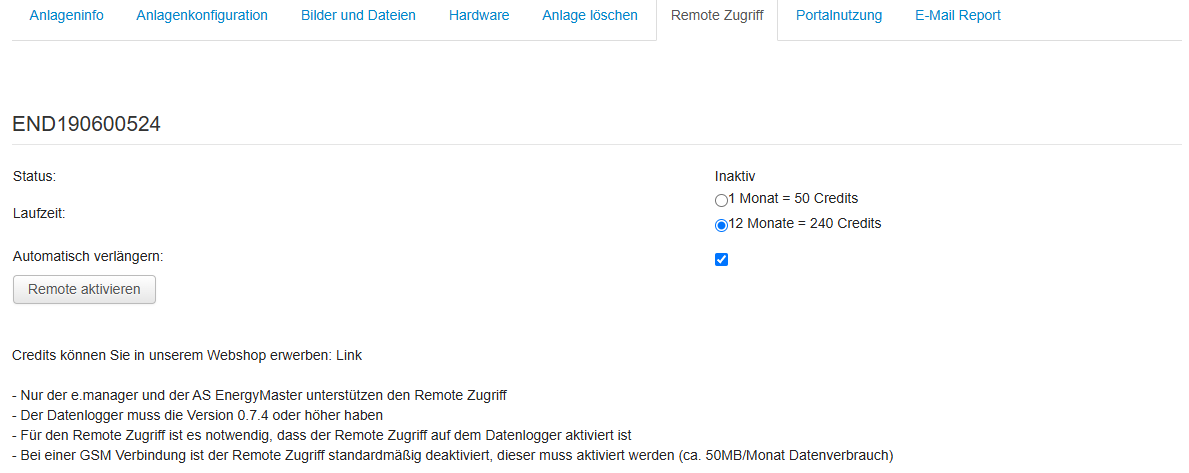
Remote access
Via the portal, you can access the e.manager directly as if you were on site.
Optionally for 1 month or 12 months.
If the access is to be renewed automatically, activate the option.
You can purchase the required credits in the shop.
Optionally for 1 month or 12 months.
If the access is to be renewed automatically, activate the option.
You can purchase the required credits in the shop.
Portal use
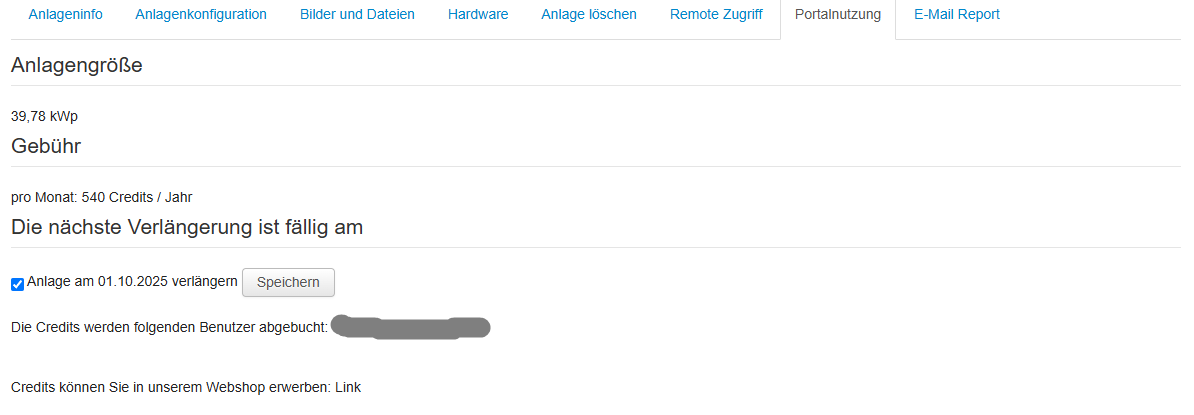
Only for old AS Solar devices
Credits for portal use are required only for PV-Station, PV-Central, PV-Interface or AS EnergyMaster.
If you no longer want to use the portal, deactivate the option.
If you no longer want to use the portal, deactivate the option.
Email report
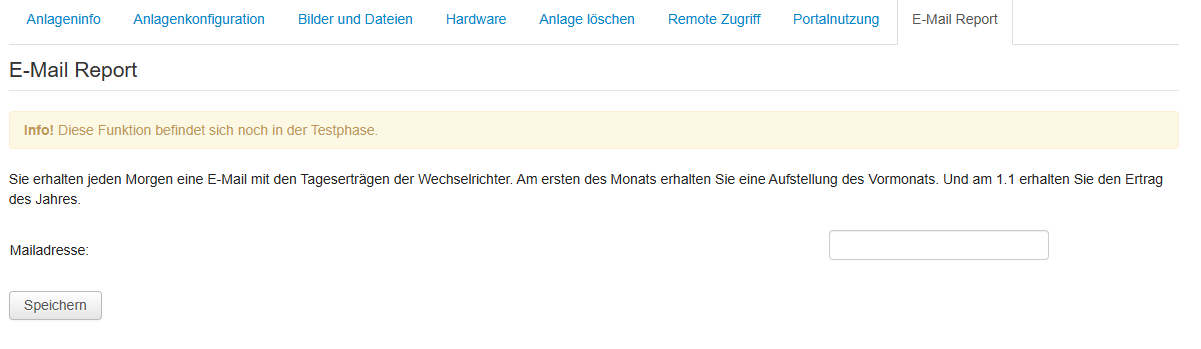
Every morning you receive a simple email overview with the yield data of the PV system.
Enter a maximum of one email address
Enter a maximum of one email address
Export

Here you can request a CSV file of the yield values in 15-minute intervals. Select the year and enter your email address.
Due to the conversion, the process can take up to 60 minutes. The CSV file is sent to you by email.
Due to the high server load, this function is subject to a charge.