
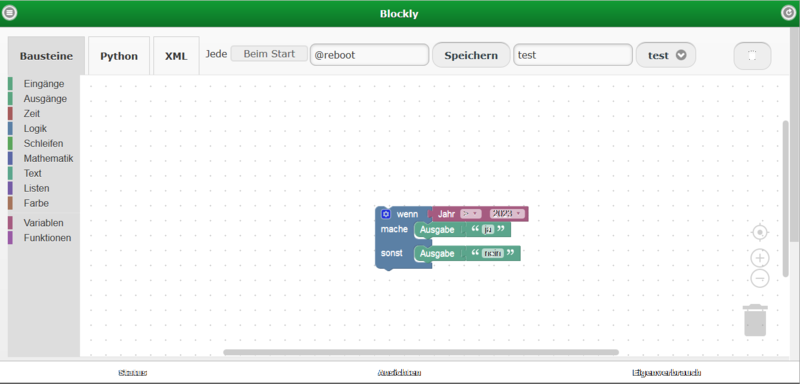
Blockly editor with a simple if-do-else program that checks the year

Blockly

Blockly is a graphical interface for easily creating programs without needing any programming knowledge. By simply dragging and dropping, you can link program blocks together to create simple or even complex functions and program sequences. A Python script is then generated automatically from these blocks, which can be activated automatically at start-up or at specified times. You will find the graphical interface under Configuration => Blockly

Blocks

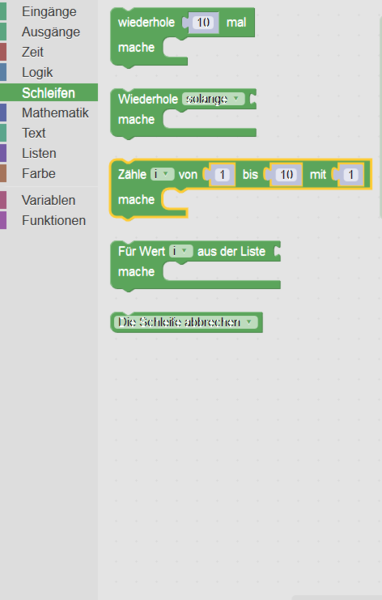
By default, Blockly provides a number of blocks, e.g. loops, logic and maths. These have been supplemented with device-specific blocks: inputs, outputs and time.
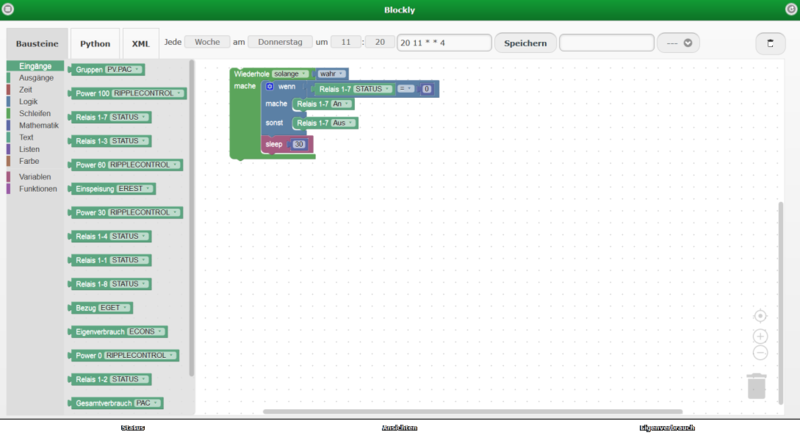
Blockly editor with open Eingänge category showing e.manager nD input blocks

Inputs

Under Inputs you will find all devices connected to the e.manager nD. You can read out, for example, the current power, voltage, current, switching state, power reduction, etc.
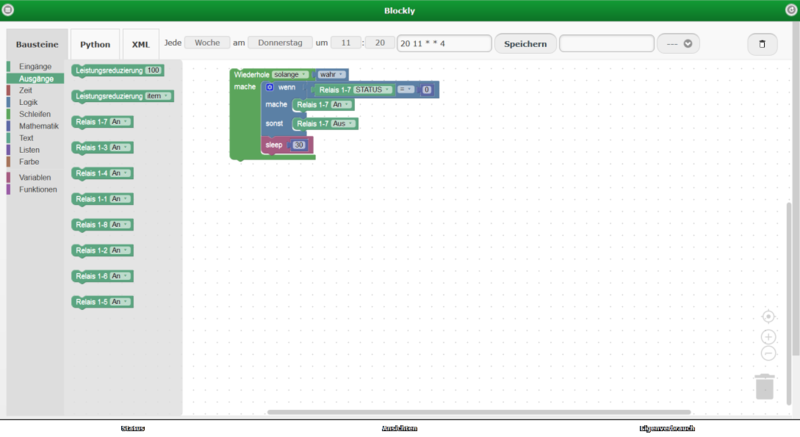
Blockly editor with open Ausgänge category showing relay and power reduction blocks

Outputs

This shows all devices that can be switched, such as relays and 4-20 mA outputs. In addition, you can set the maximum power of the inverters here.
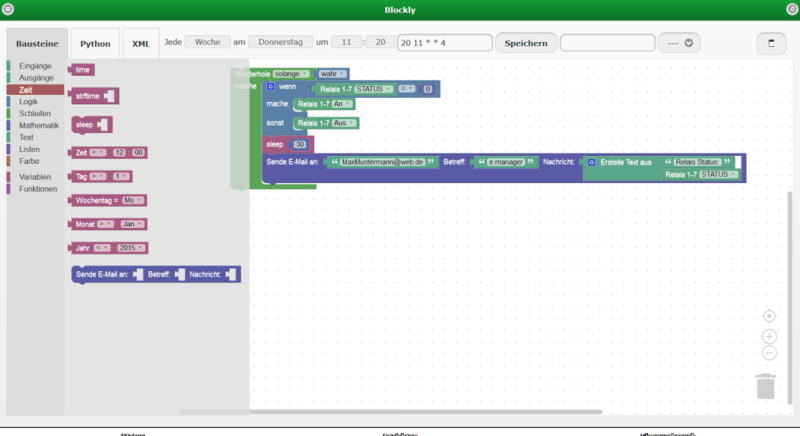
Blockly editor with open Zeit category and the send email block

Time

Here you can control your actions based on time. For example, you can filter by time of day, day, weekday, month, year or by runtime.
Blockly program sending the relay status by email every 30 seconds

Email

You can also send status e-mails directly from the program.

In this example, you would receive an e-mail about the status of the relay every 30 seconds.
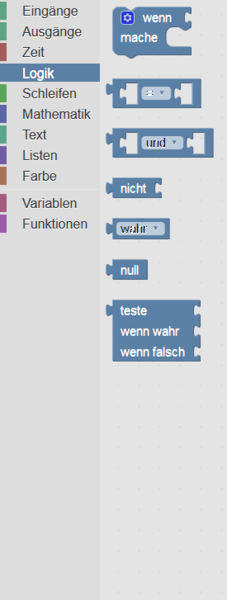
Logic, loops, maths

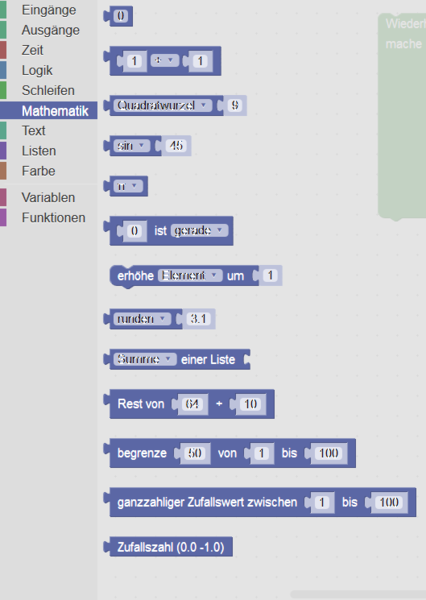
This section contains standard blocks such as infinite loops, comparisons and mathematical calculations.

Variables: You can create as many variables as you like in your program, set them while the program runs and read them out again later.

Functions: If certain block combinations recur again and again, you can also combine them into functions.

Starting Blockly programs

For each Blockly program, you can decide whether it should run continuously in the background and monitor the measured values, or whether it should be executed at specific times.
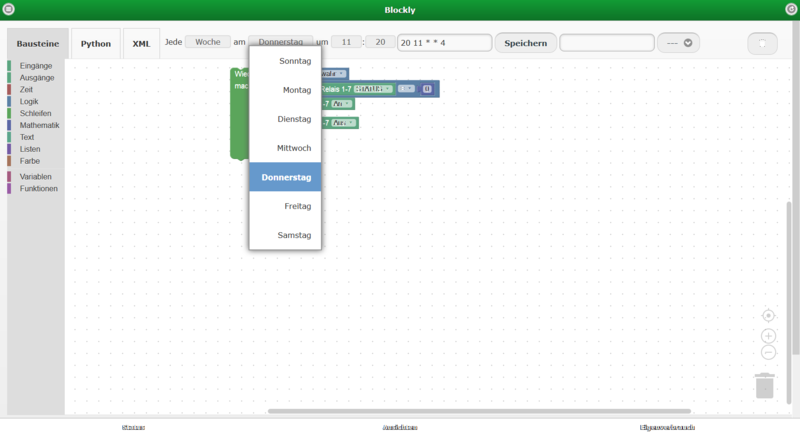
Blockly editor: weekday dropdown for the cron job schedule with Thursday selected

Cron job

For this purpose, a so-called cron job is created. You can easily set it up via a graphical interface.
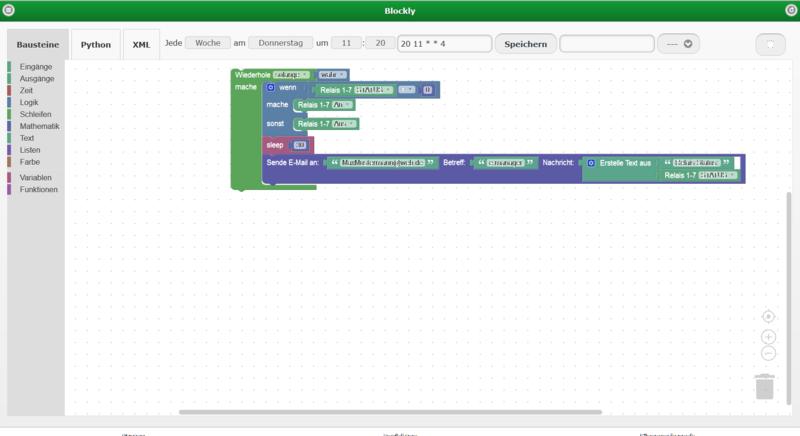
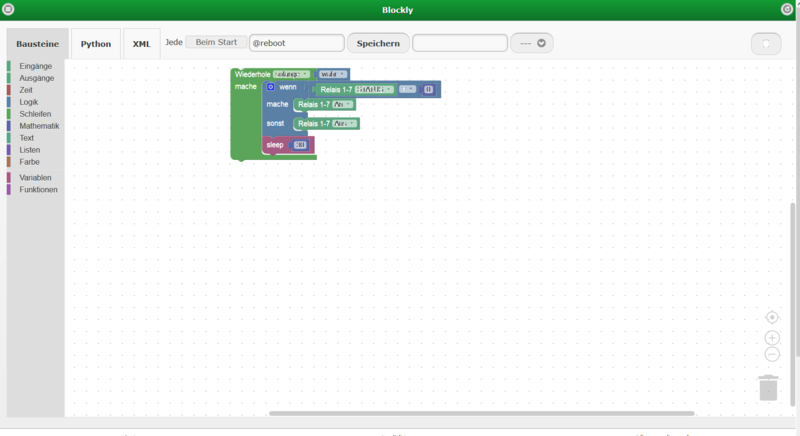
Blockly editor: loop switching relays 1-7 depending on status, with a sleep block

At startup

If you want a program to run at startup, select “At startup”. The Blockly program should then be executed in an infinite loop so that it runs continuously in the background.

Saving and loading Blockly programs

You can save your Blockly programs. Please use only the following characters: A-Z a-z 0-9 _.

You can reload your programs at any time, edit them and save them under a new name.

Blockly examples
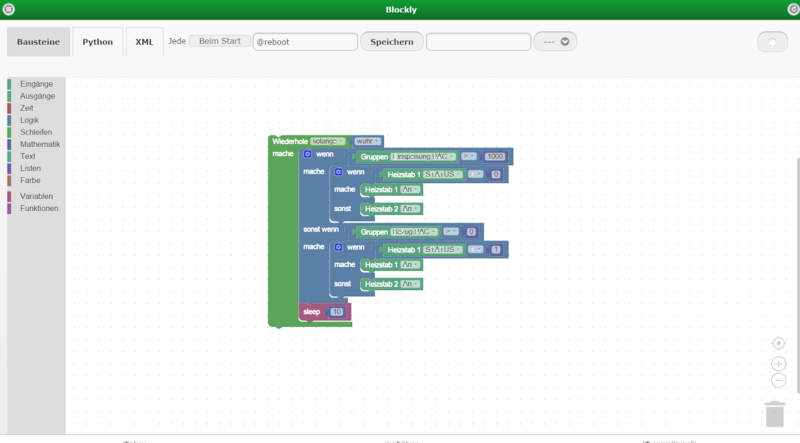
Blockly editor: example program controlling heating rods based on feed-in and grid consumption

Switching two immersion heaters

In this infinite loop, a check is made every 10 seconds as to whether the feed-in power is greater than 1000 W. If it is, “Heizstab 1” (immersion heater 1) is switched on, provided it is still off. If “Heizstab 1” is already on and more than 1000 W is still being fed in, “Heizstab 2” is switched on. If the PV power drops and electricity is drawn from the public grid, “Heizstab 1” is switched off first and then, if necessary, “Heizstab 2”.