



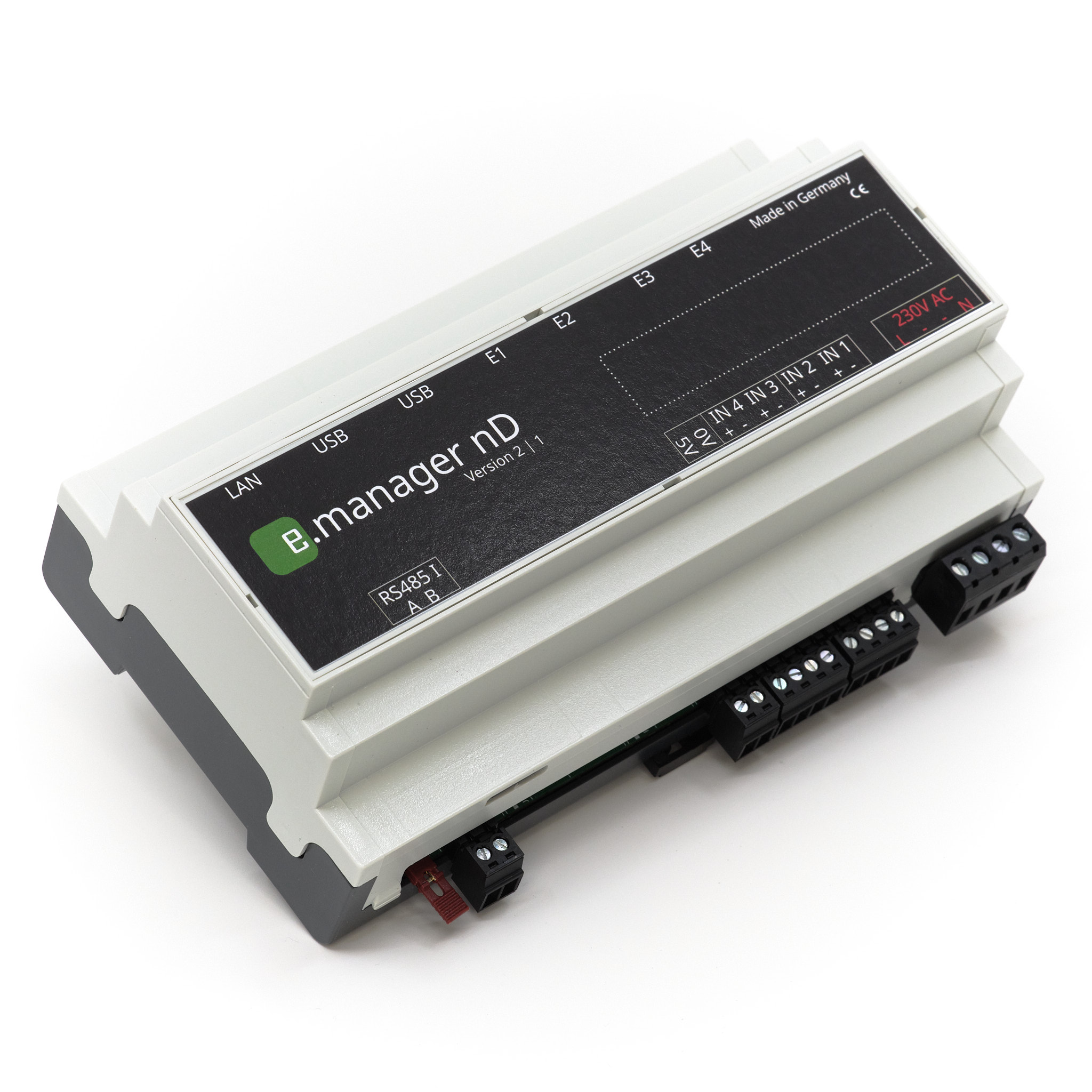
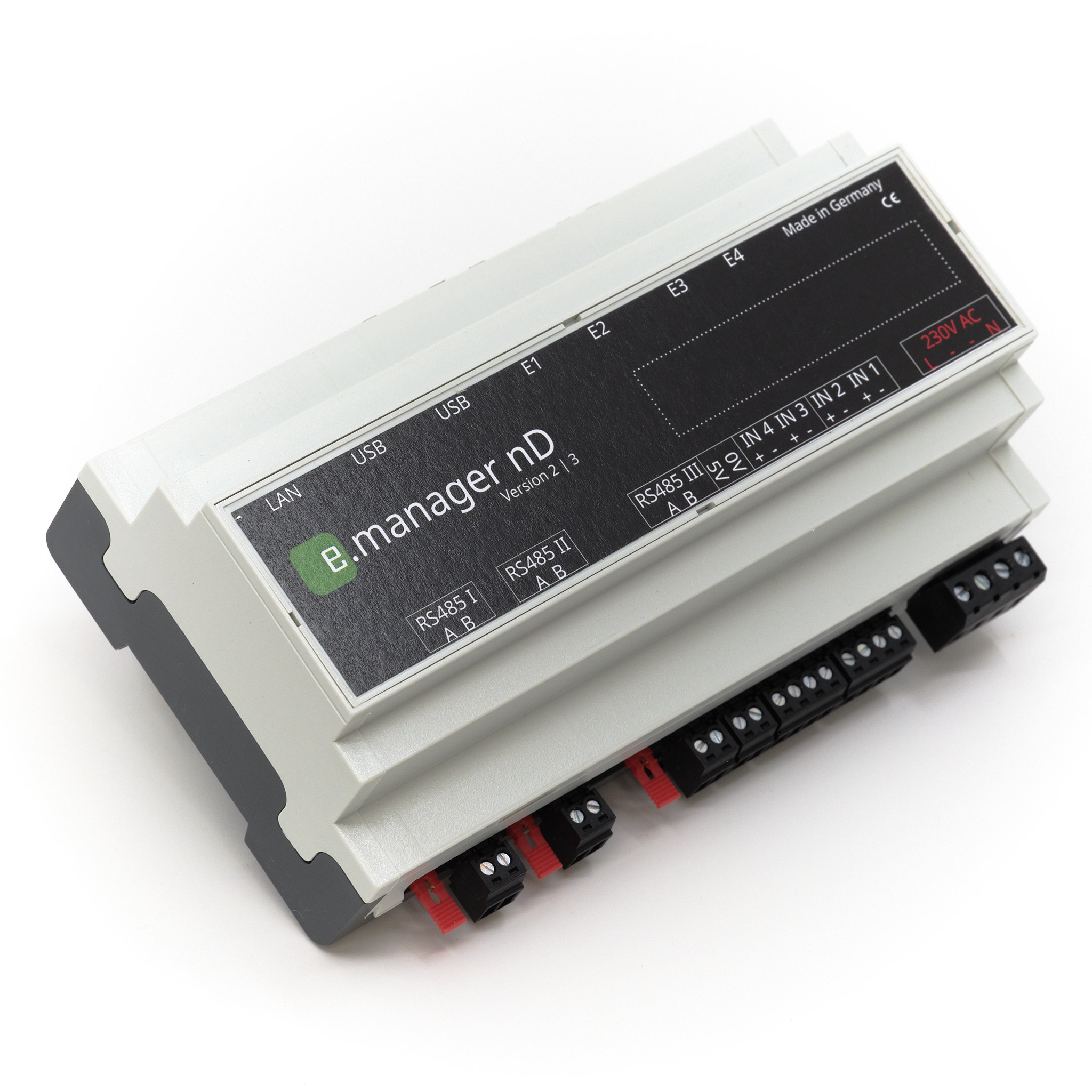
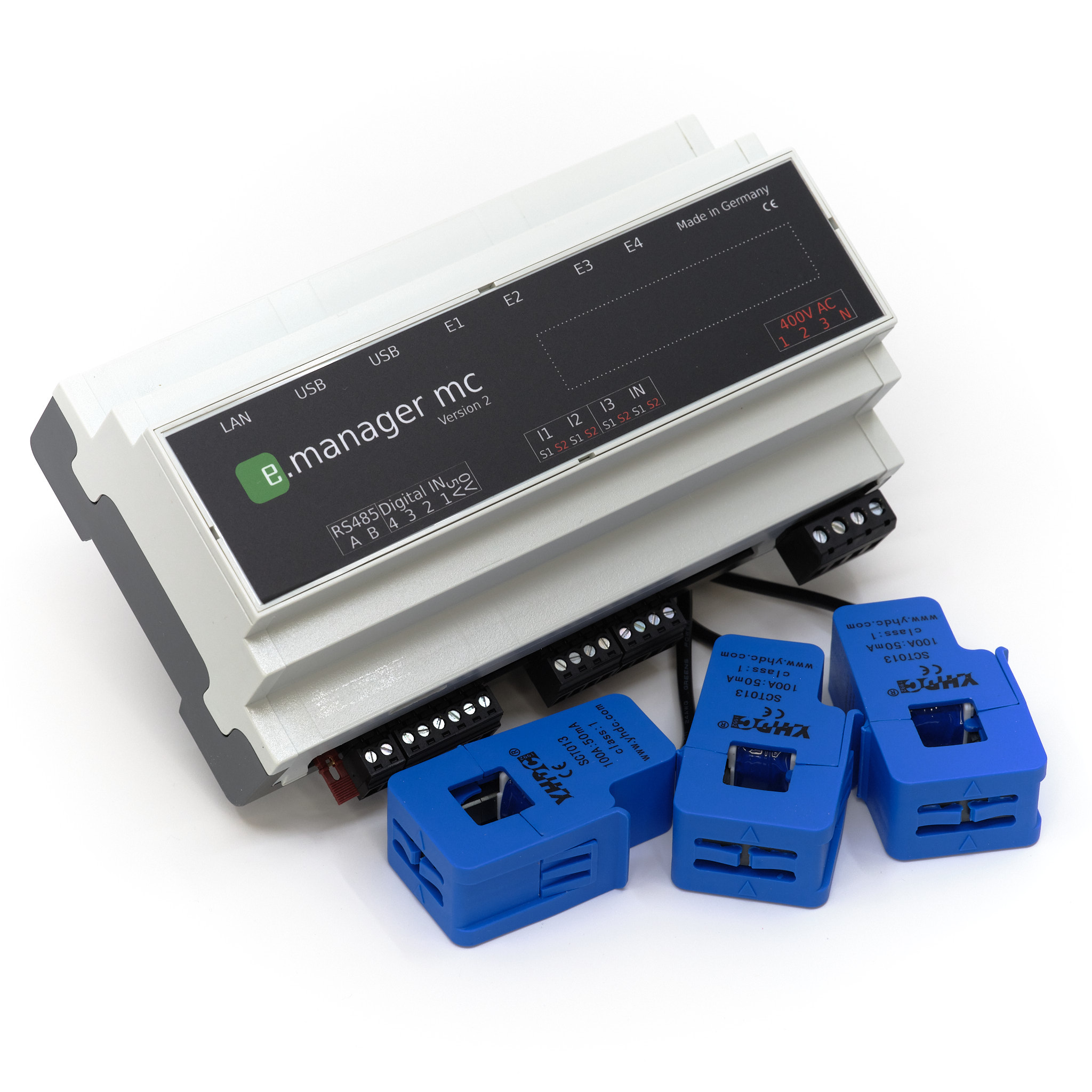
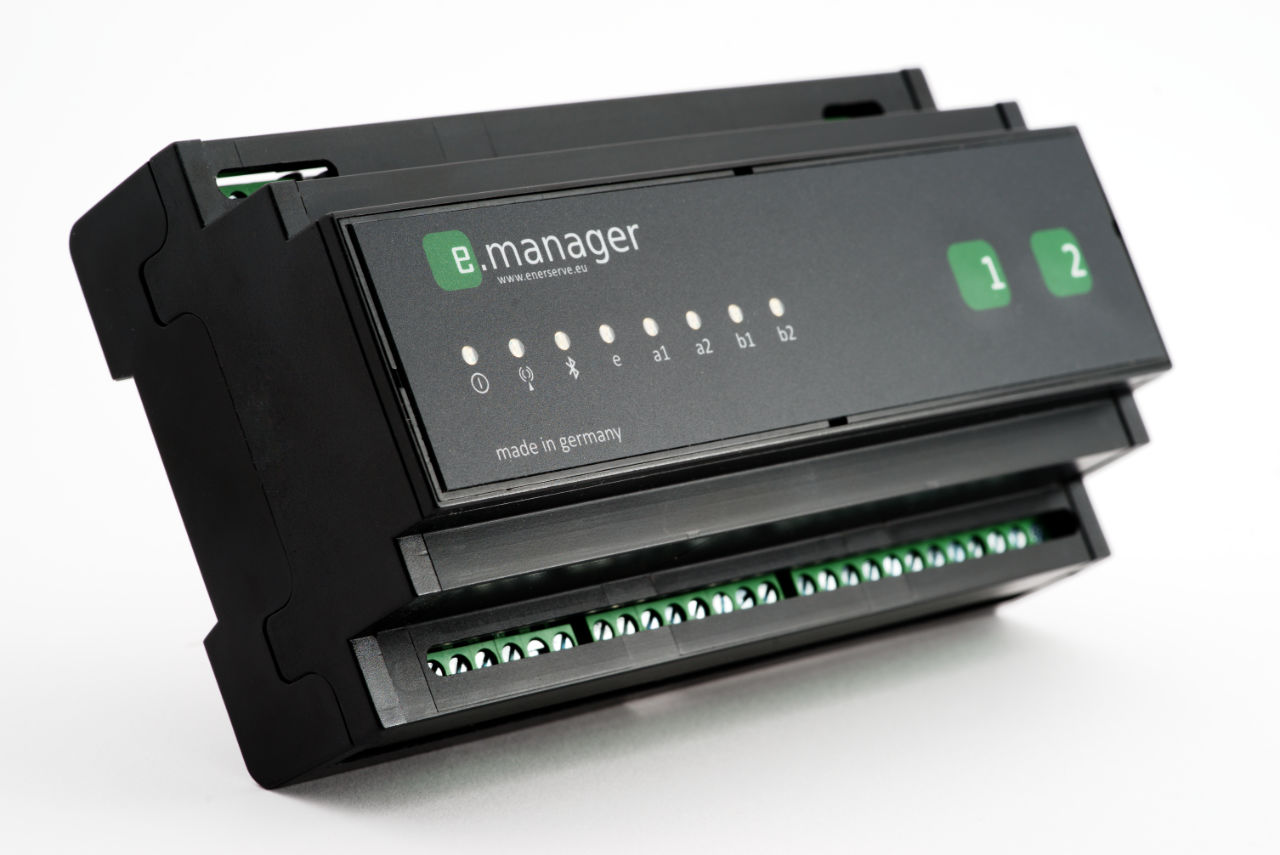
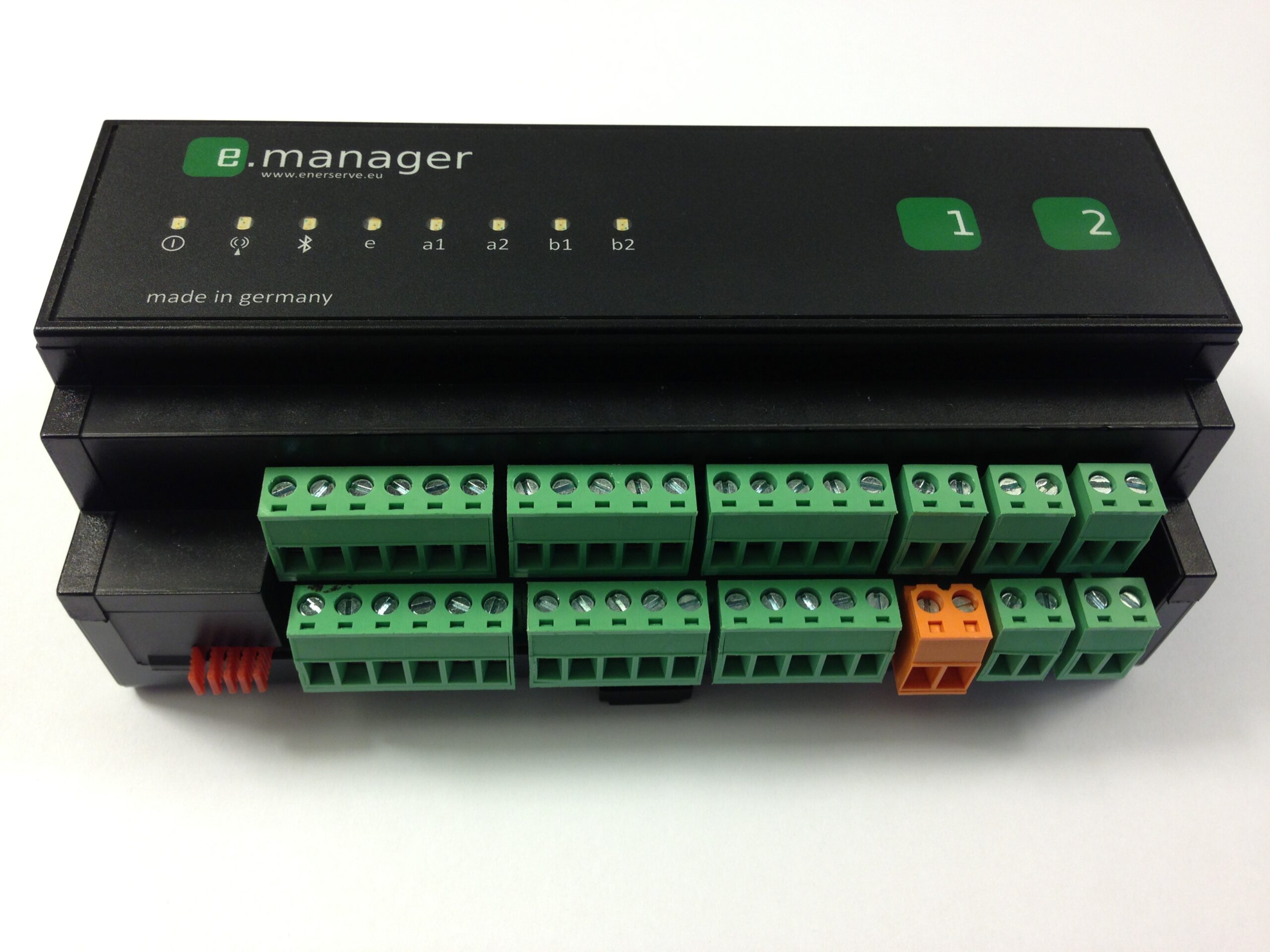
Here you will find a quick start guide for installing the firmware of the e.manager, nD Version 2 and mc Version 2.
Files for older devices can be found in the next section.
Firmware installation instructions:
- Download the file that matches your device
- Open the e.manager web page ( http://
) - Open the Firmware Update page
- Insert the file you have just downloaded there and submit it.
- After the update, you should restart the device.
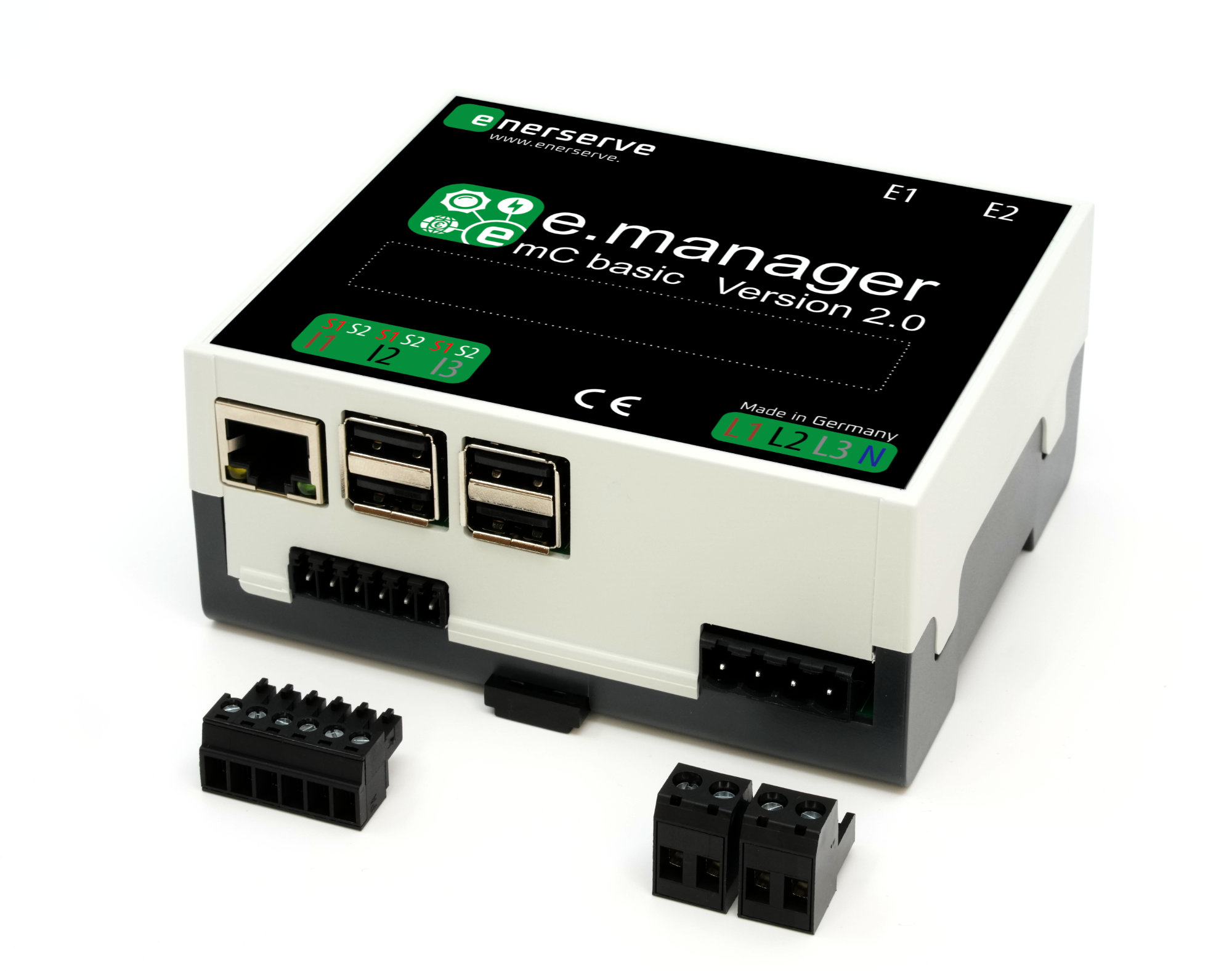
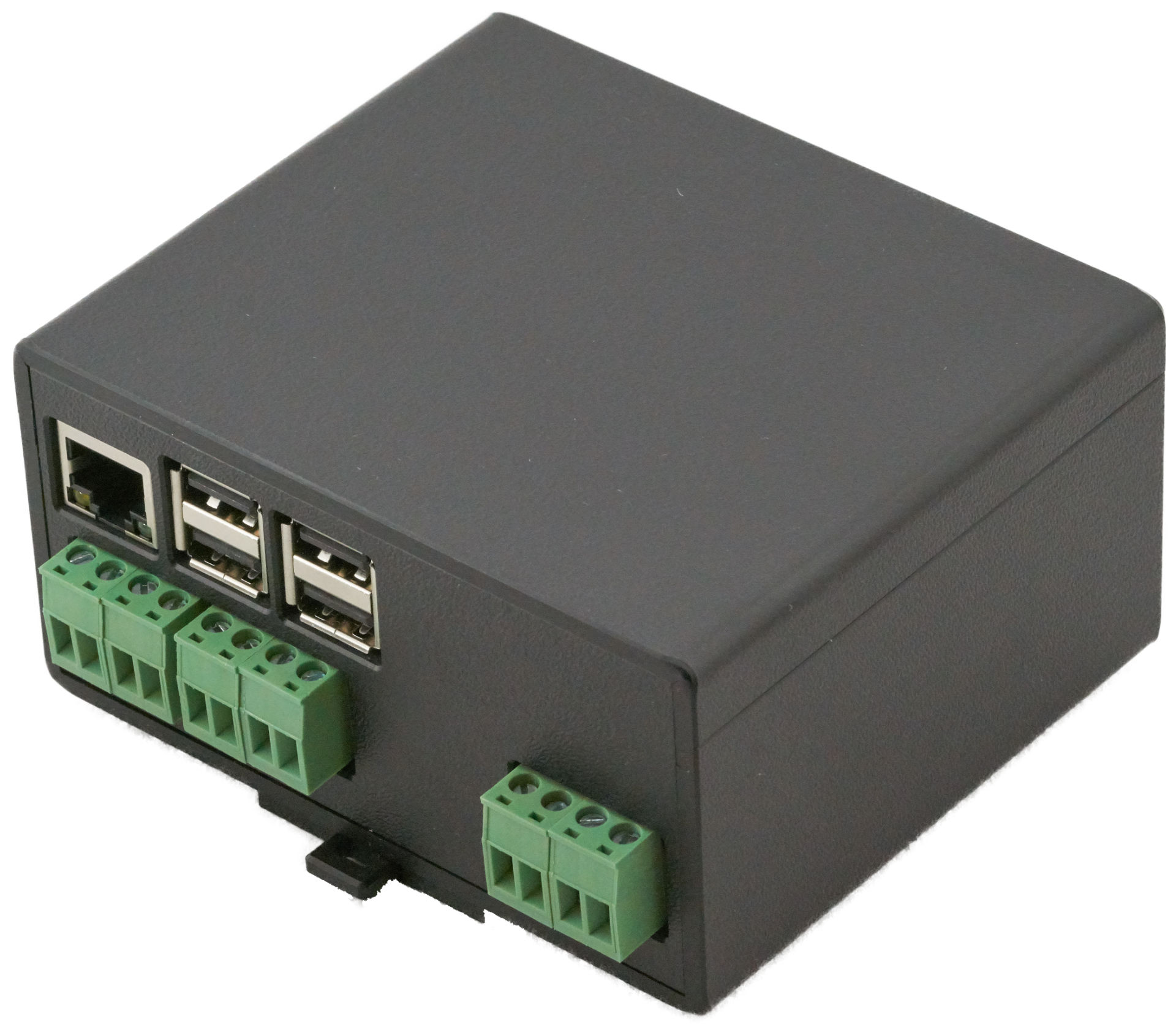
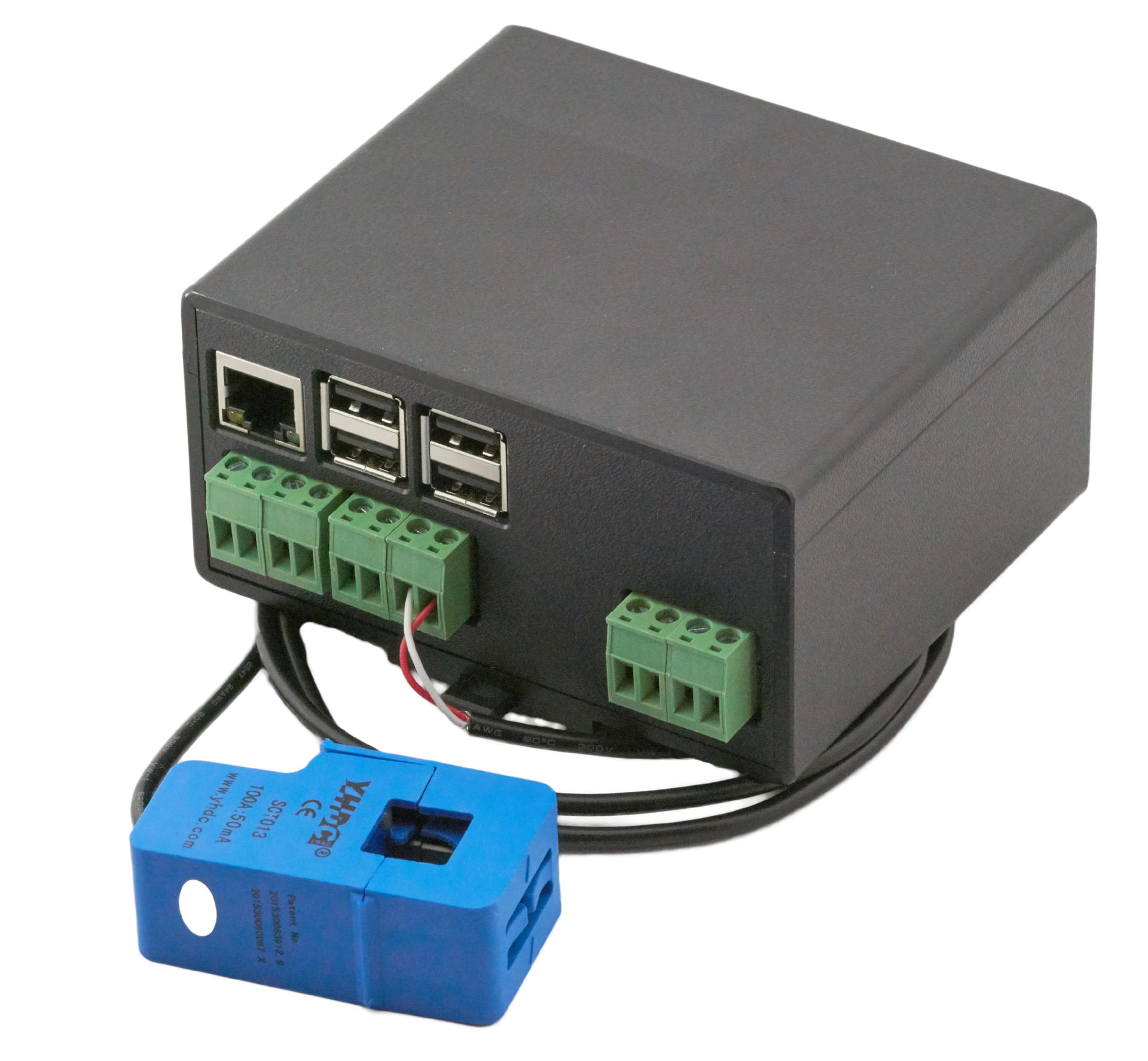
Older devices
Changelog
April 20262.3.0
Direct marketer emsys: Timing problems fixed
Kostal: Modbus TCP 4th MPP is read out Self-consumption optimisation at 0%
LAN interfaces increased to 10
September 20252.2.5
Goodwe: LAN implementation
Enercon: Modbus TCP connection
Azzuro inverter
Alfen wallbox
Fenecon inverter
Power gradient: adjustable
Power reduction: take self-consumption
into account
Fenecon inverter
Ripple control device pulse control
November 20242.1.1
Growatt: Automatic type detection
Kaco: NXP implementation
Direct marketer: Self-management of VPN certificatesAugust 20242.0.8
Goodwe: Search adapted for newer string inverters
SunSpec: DC current overflow fixed, meter is read out MeteoControl: Direct marketer interface connected
SMA: Direct marketer interface connected
Fronius: LAN filter for slow connections
Sungrow: LAN support
Watchdog: Restart on missing transmission can be activatedJuli 20211.9.5
FTP upload: Files with 0 bytes are transferred. With a Vodafone connection, we recommend activating passive mode
Data transmission: Faster data transmission, especially with GSM connections.