



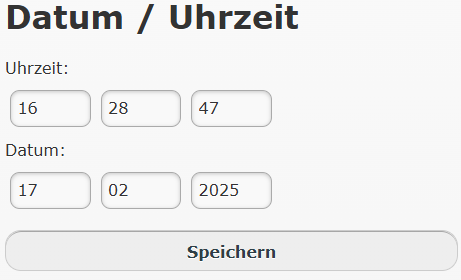
Set date and time
Normally, the time synchronises with a time server. If this does not work correctly, please check the LAN settings; if necessary, you can set the current date here.
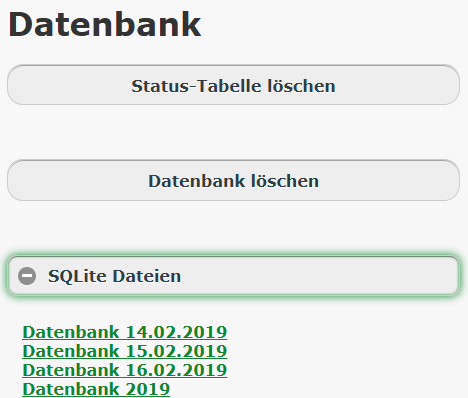
Database
- Delete status table: Only if the table becomes too large; this is usually not necessary.
- Delete database: The current database is deleted. Restart required.
- SQLite files: You can download the database files for your own analysis.
- Delete database: The current database is deleted. Restart required.
- SQLite files: You can download the database files for your own analysis.
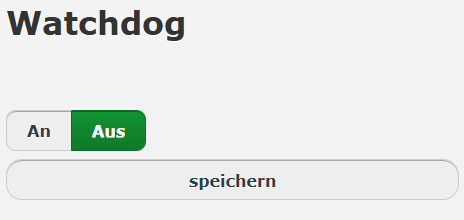
Watchdog
If the watchdog is activated, the system checks whether data transmission is working correctly. Otherwise the system restarts.
Caution: Only activate with a kernel version of 5.15 or higher!
Caution: Only activate with a kernel version of 5.15 or higher!

Backup
Here you can download a backup of all settings.
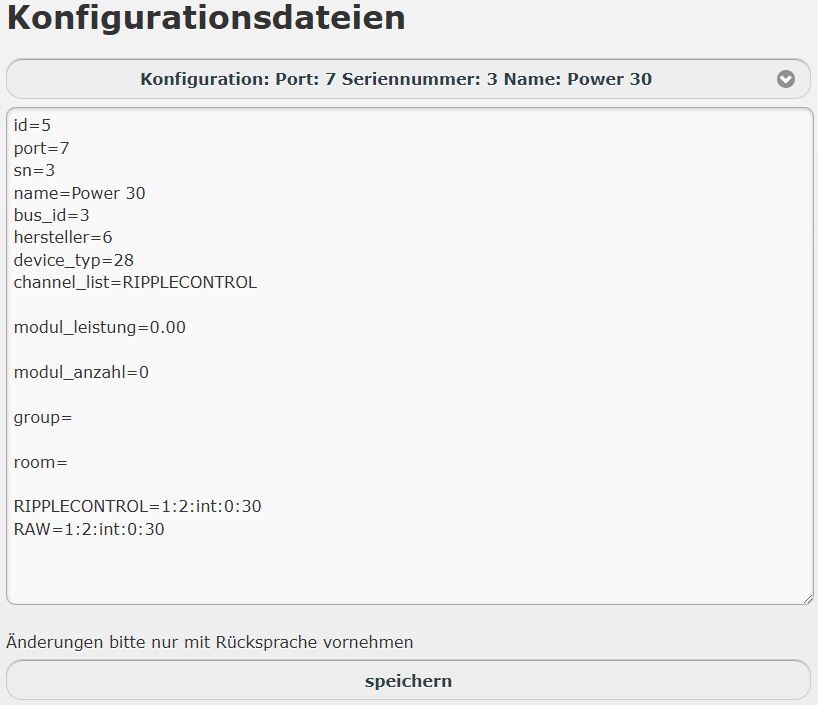
Configuration files
Here you can directly access and modify a number of configuration files.
The system must be restarted for the change to take effect.
Caution: Only make changes after consulting Support!
The system must be restarted for the change to take effect.
Caution: Only make changes after consulting Support!