



Here you can configure all devices that are connected via RS485 or LAN or that are integrated. Before the devices can be configured, external devices must first be detected under "Device search".
Digital inputs
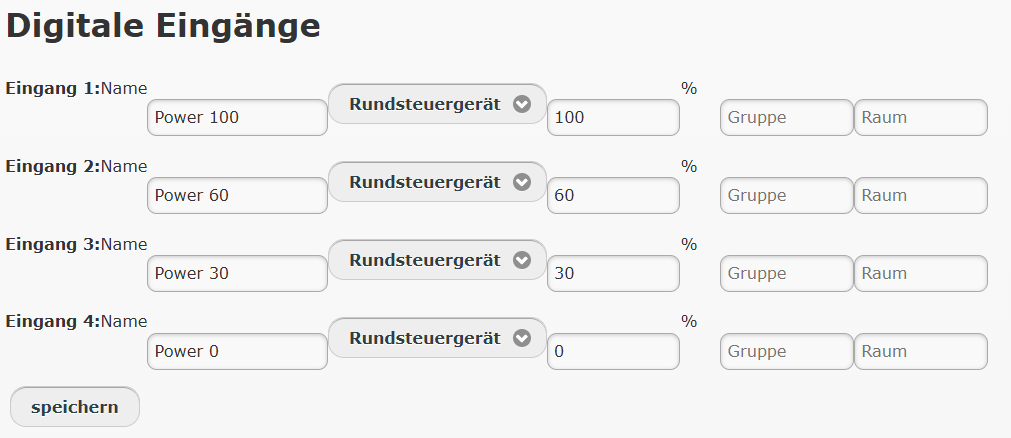
Name:
You can change the name in the first column. Permitted characters: a-z A-Z 0-9 space
Device type:
Default: Ripple control receiver
- Inactive: The input is deactivated
- Inverter: S0 pulse input for inverters
- Self-consumption: S0 pulse input for a self-consumption meter
- Surplus feed-in: S0 pulse input for a feed-in meter
- Grid import meter: S0 pulse input for a grid import meter
- Total consumption: S0 pulse input for a total consumption meter
- Consumer: S0 pulse input for a consumer, e.g. a heat pump
- Generator: S0 pulse input for a generator, e.g. a wind turbine or CHP unit
- Ripple control device: Digital input. When this input is switched, the PV system is reduced to this value.
- Ripple control device pulse: Digital pulse input. When a pulse is registered, the PV system is reduced to this value.
- cos phi: Digital input. When this input is switched, the cos phi is set
- Digital: Digital input. Only the status is recorded here, which can then be evaluated elsewhere. (Blockly, power reduction)
Parameters:
If the input is defined as a pulse meter (inverter, grid import, ...), you must enter the pulses per kWh (min. 15 pulses per kWh)
If the input is defined as an inverter, you must enter the number of modules and the module power (in W).
Group / Room:
For easier identification, you can enter a group and a room
RS485 and LAN
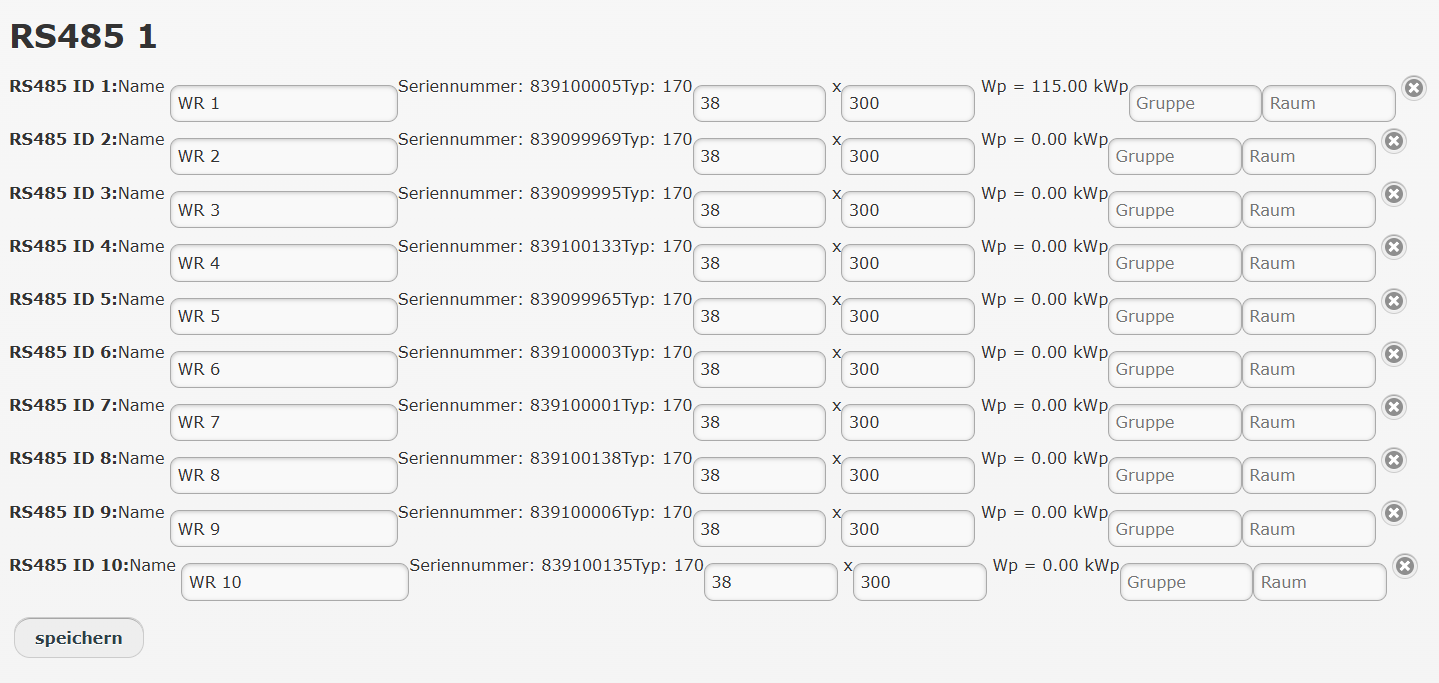
Current measurement, expansion modules and internal devices
All devices that are connected internally or to the expansion modules are listed here.
If a meter is connected at the feed-in point, the devices "Self-consumption" and "Total consumption" are created and calculated automatically.
Virtual device:
This creates a virtual device that can then be written in Blockly, e.g. if you want to calculate the difference between 2 power measurements.