



You can implement power reduction to 0, 30, 60 or 100% via the digital inputs.
The e.manager offers two different setting options.
Make sure that only one of the two settings is active at any time.
Simple setting
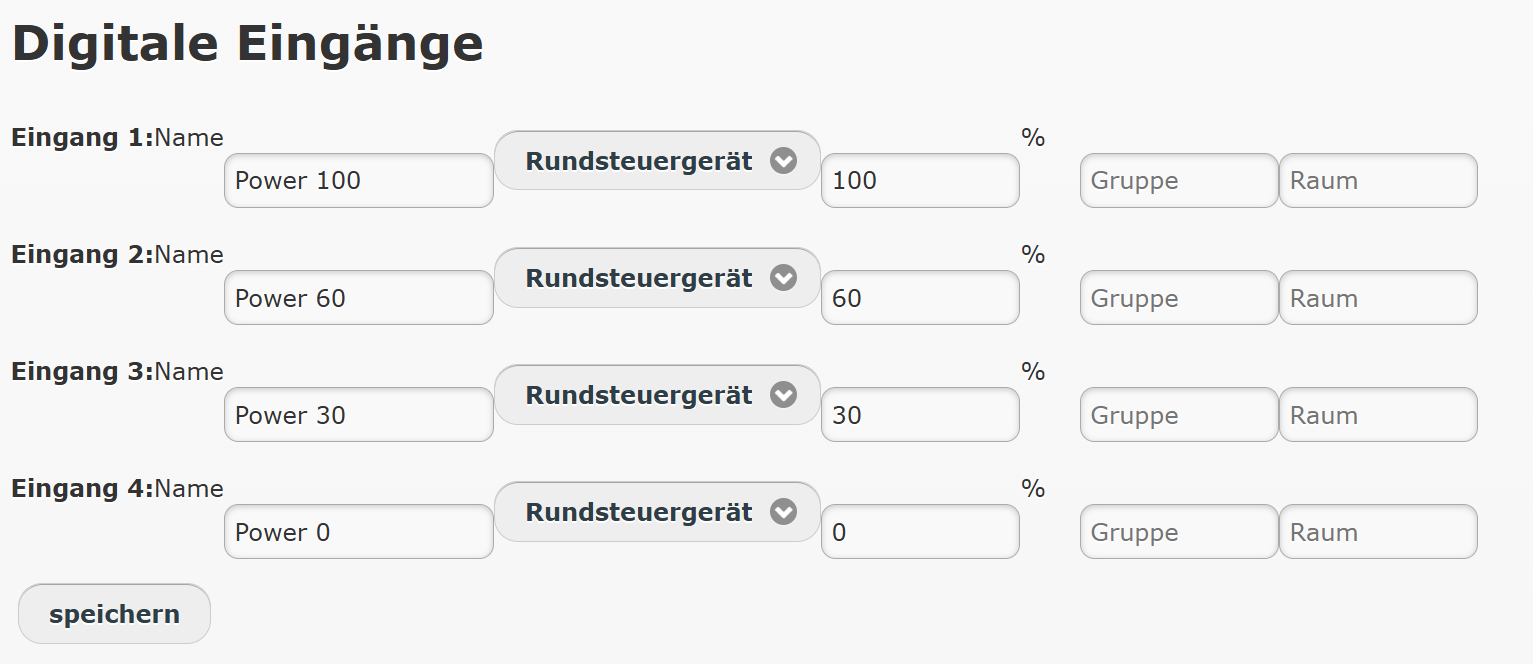
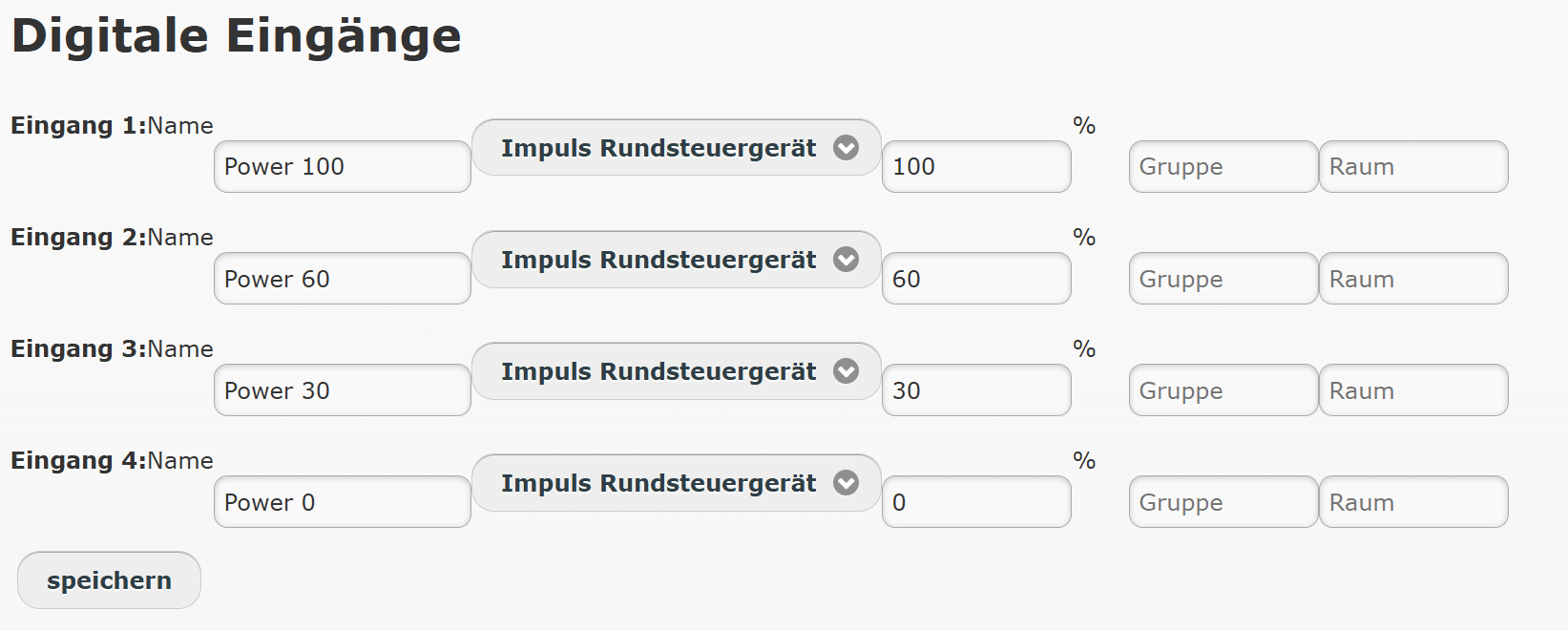
Configuration => Configure devices
If each relay contact of the ripple control receiver represents a distinct power reduction, please select this setting.
Default setting
- Digital input 1: 100%
- Digital input 2: 60%
- Digital input 3: 30%
- Digital input 4: 0%
Setup
Under Configuration => Configure devices, set the desired input to ripple control receiver.
Enter the required power reduction in percent (power reduction to 60% => 60).
- If an input is closed, the power is reduced to the specified value
- If no input is closed, the power is set to 100%
Check the settings by fitting a wire jumper.
Expert setting
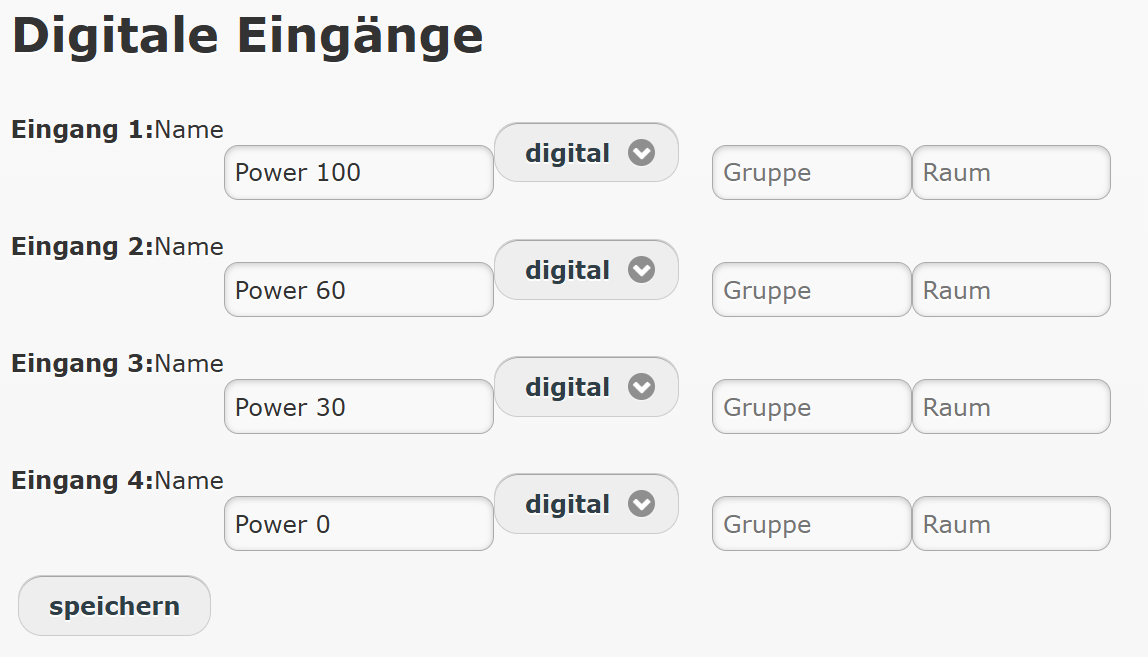
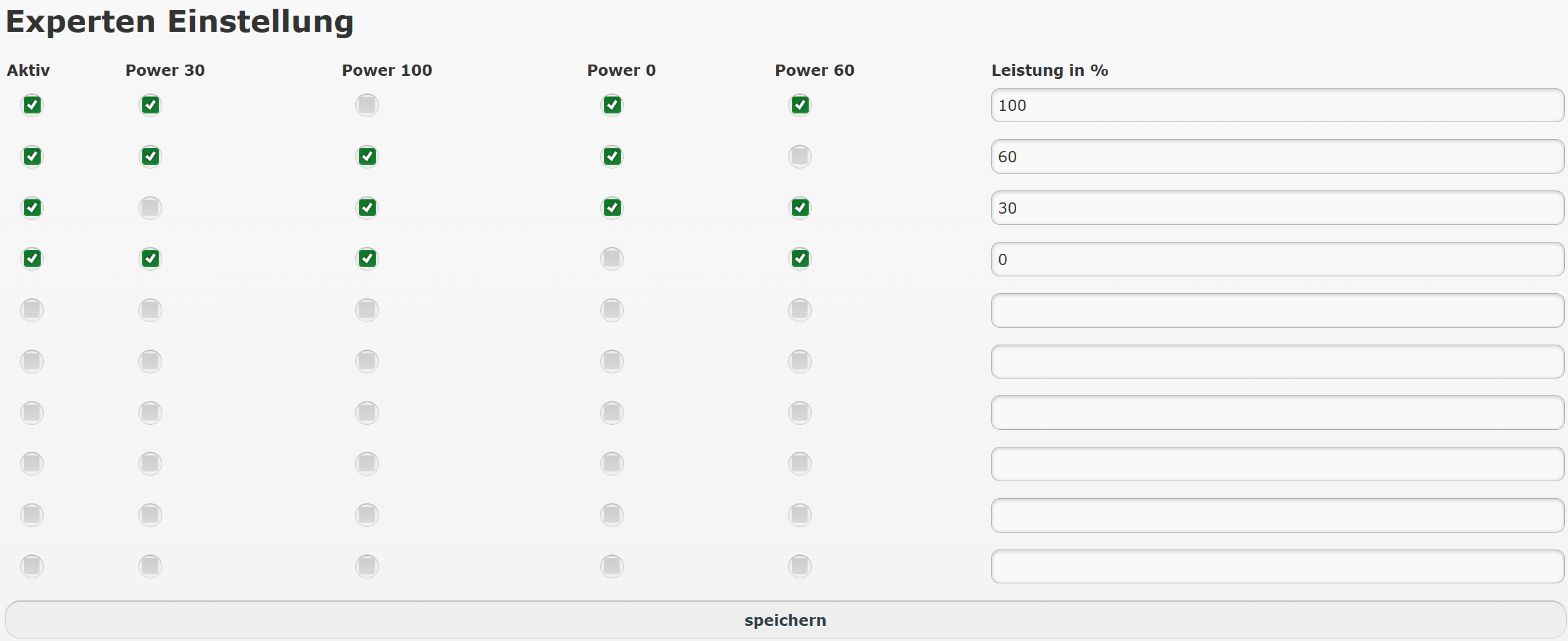
With the “Expert setting”, you can combine different switching states so that power reduction takes place when, for example, two specific inputs are activated at the same time rather than just one.
Please deactivate the simple setting.
Setup
Under Configuration => Configure devices, set the desired input to digital. Assign a unique name, e.g. K1, K2, …
You can use both the digital inputs and the analogue inputs for this.
If you use both digital and analogue inputs, note that they operate at different potentials and must therefore be wired separately.
Under Configuration => Power reduction, you will now find the activated inputs. You can now enter up to 10 combinations with the corresponding percentage as required.
Check the settings by fitting a wire jumper.
Power gradient
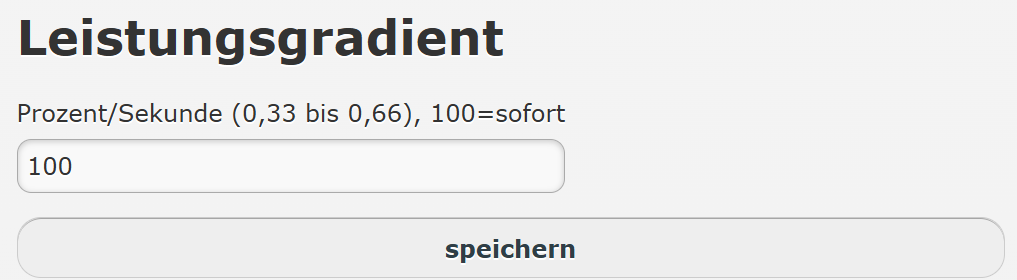
The power gradient determines how quickly the PV system is controlled. It is set in percent per second.
Example
0.5% per second means that the system needs 200 seconds to ramp down from 100% to 0%.
100% per second means that the system responds immediately.
Self-consumption
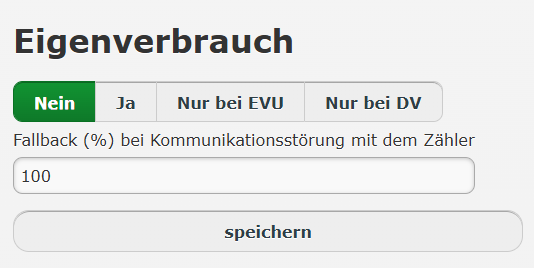
If self-consumption is to be taken into account during power control by the energy supply company (ESC) or the direct marketer (DM), you can activate this here. In this case, for example, the inverters are not limited to 0%; instead, 0% is controlled at the GCP.
No: In the event of a reduction, the inverters are controlled directly.
Yes: The power is controlled at the GCP, regardless of whether the setpoint comes from the ESC or the DM.
ESC only: Control at the GCP is only active if the setpoint comes from the ESC.
DM only: Control at the GCP is only active if the setpoint comes from the DM.
Fallback (%) in the event of a communication fault with the meter:
If the meter at the GCP fails for longer than 5 minutes, the system is limited to the value specified. As a rule, this should be set to 0%.
A meter at the GCP is required for this function.
The AC and DC power must be entered under Configuration => System data.
Zero feed-in at negative electricity prices

Only use this option if you retrieve the electricity prices yourself with the e.manager.
If you want to implement zero feed-in with a direct marketer connection, please use the option above.
Feedback
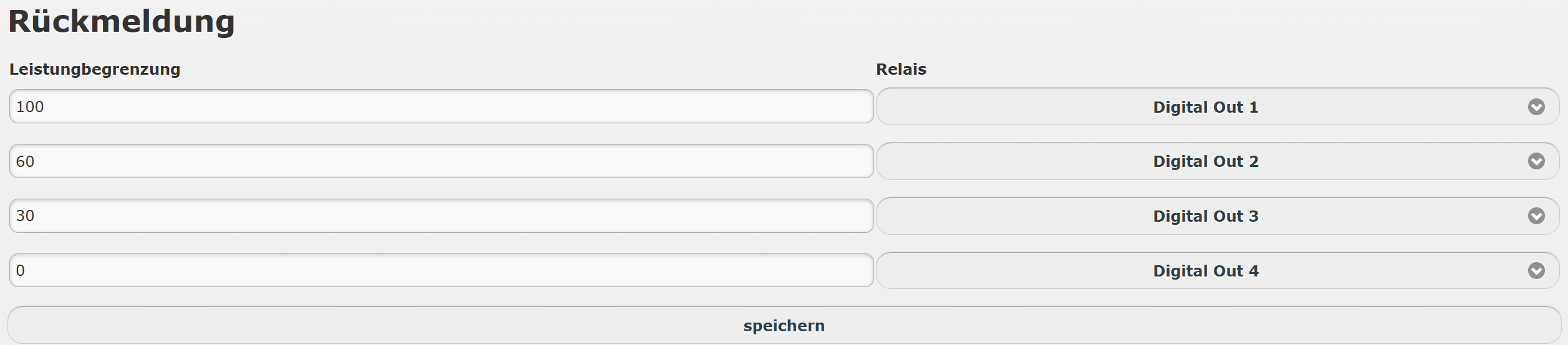
Digital feedback contact for the configured active power control. By default for the 0, 30, 60 and 100% feedback to the energy supplier.
An e.digital OUT or a KMTronic relay card is required for the feedback.
e.manager Master
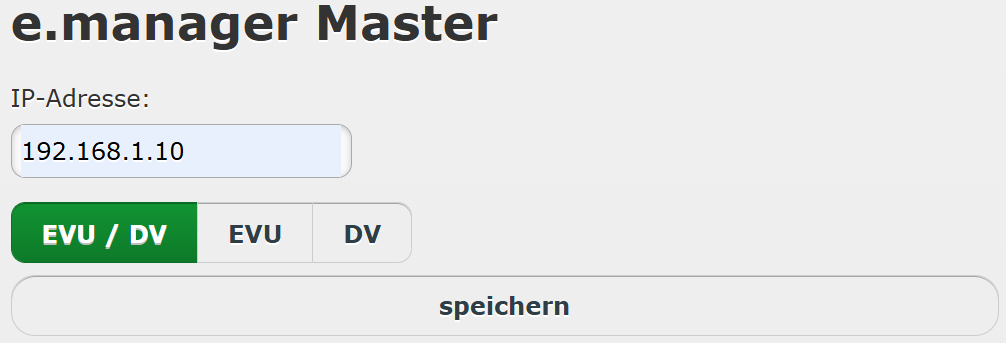
If 2 or more e.managers are installed on site and one e.manager acts as the master for power control, you can enter the IP address of the master device on the other e.managers.
EVU/DV: responds to the control signal from the energy supplier (EVU) and the direct marketer (DV).
EVU: only the signal from the ripple control receiver is evaluated.
DV: only the direct marketer signal is evaluated.
Power reduction test


With the power reduction test, you can easily check via the web interface whether the inverters respond correctly. For example, select 0% and click Save. The start page will now show 0% under Power and the inverters should ramp down to 0 W.
Please note that this setting is only temporary. It is lost when the e.manager is restarted.